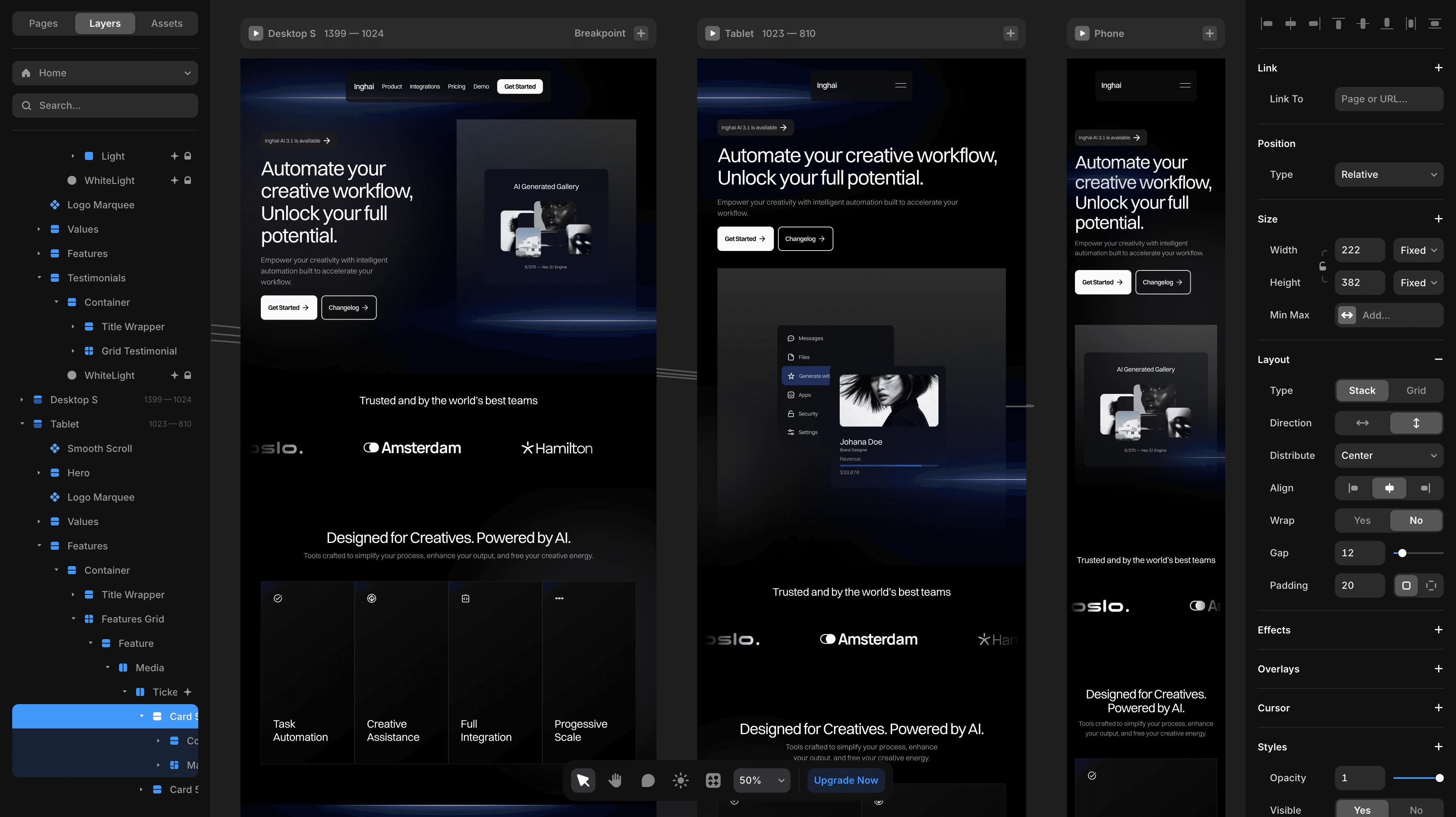
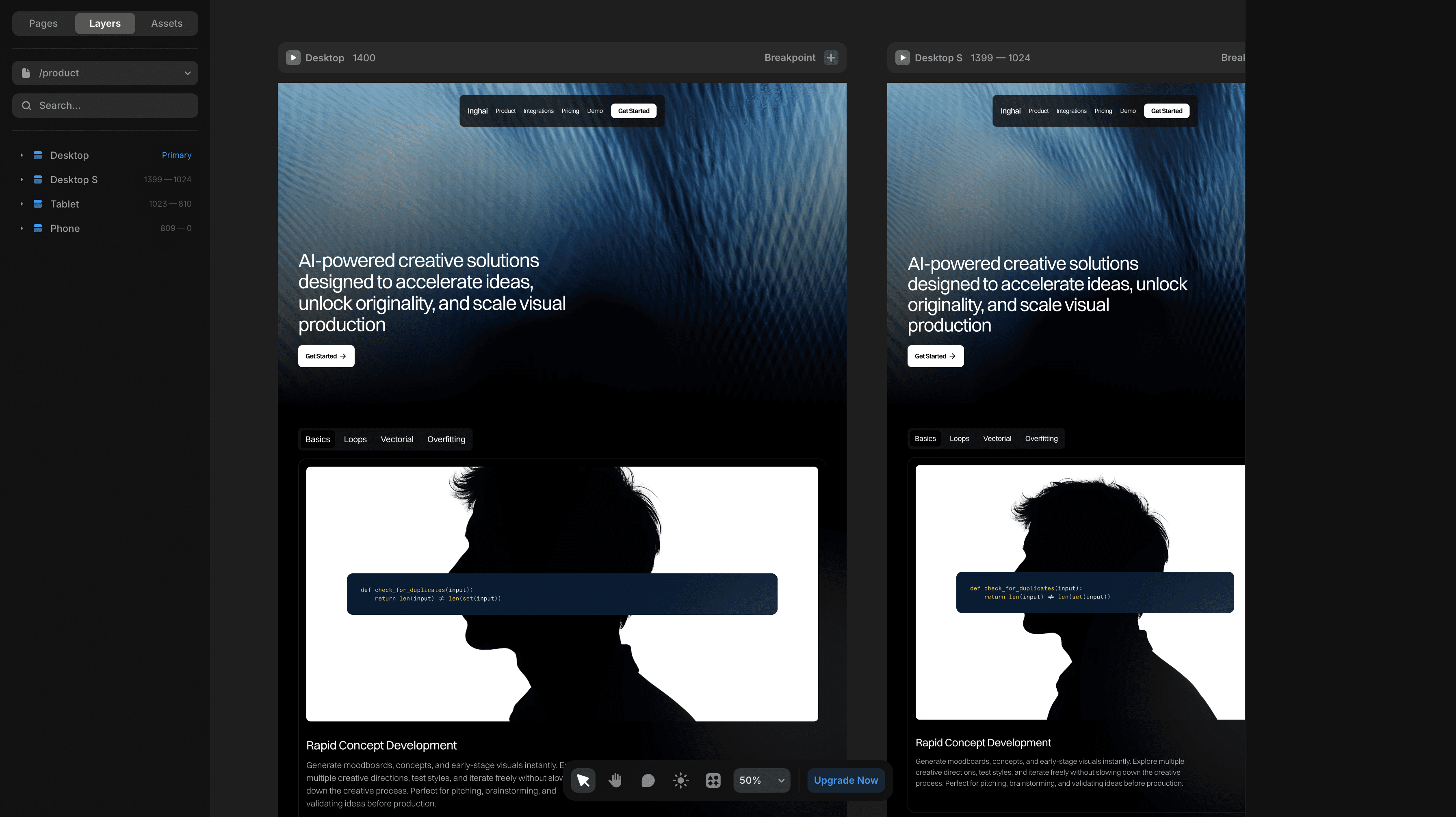
After setting up the content, go back to the canvas. Your collections are accessible from the Insert menu. Open the Insert menu, navigate to the CMS Content section, and drag and drop your collection onto the canvas. This will add a special stack with layers connected to your data. From here, you can edit the visual properties on the right, just as you would do with a regular Stack.